


quick question about posting pics


Thread Starter
Registered User
iTrader: (4)
Joined: Sep 2004
Posts: 796
From: hayward/long beach
Car Info: 04 aspen white wrx
quick question about posting pics
im not a noob but i have a noob question. how do you post pics on here as a big version and not as a small attachment that you have to click?

Registered User
iTrader: (24)
Joined: Aug 2005
Posts: 3,250
From: Yea, you like my JDM backside. Quit staring ^^
Car Info: A crazy ass wagon ! Voltex and 18x9.5 +22 FTW !
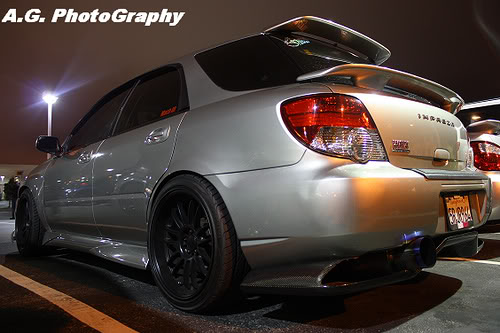
you wanna sign up for flicker or photobucket.... you upload your pictures to the site. On photobucket once youve upload just put the arrow on the photo and a window will pop up with four different links. Cut and paste the IMAGE CODE link.. and paste the link to the post. Photo is posted !
Last edited by Shagon Wagon; Sep 24, 2009 at 06:32 AM.

It's QQ thankyouverymuch
iTrader: (39)
Joined: May 2007
Posts: 19,721
From: San Jose
Car Info: 2011 SWP WRX Hatch
Put simply...
[ img ] imageURL [ /img ]
Just remove the spaces.
For example...
Image URL:
http://allworldcars.com/wordpress/wp...ubaru-logo.jpg
The "code" (with spaces so it shows up as text):
[ img ] http://allworldcars.com/wordpress/wp...ubaru-logo.jpg [ /img ]
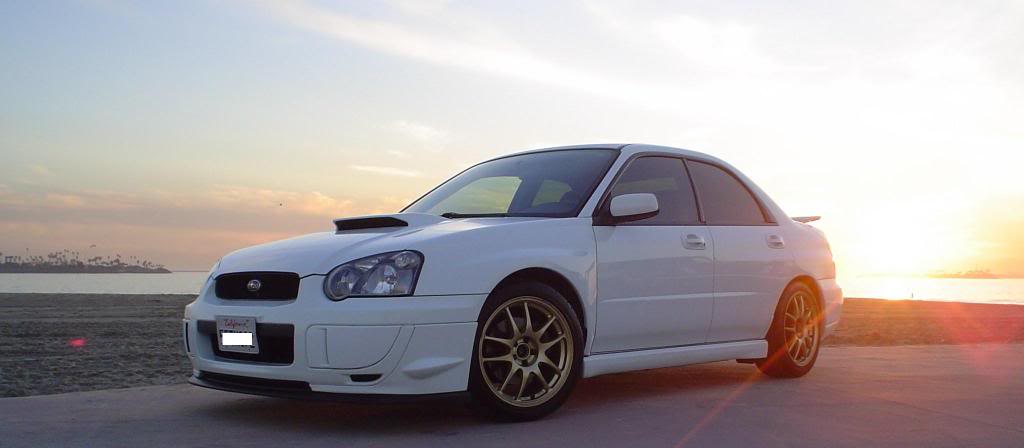
The Result:

[ img ] imageURL [ /img ]
Just remove the spaces.
For example...
Image URL:
http://allworldcars.com/wordpress/wp...ubaru-logo.jpg
The "code" (with spaces so it shows up as text):
[ img ] http://allworldcars.com/wordpress/wp...ubaru-logo.jpg [ /img ]
The Result:


Thread
Thread Starter
Forum
Replies
Last Post
brucelee
Bay Area
12
Aug 1, 2009 10:59 AM