Some fresh pics and I need some photoshop advice

Thread Tools
 
Search this Thread
 
Old Feb 13, 2009 | 08:10 PM
  #1  
snowflow's Avatar
Thread Starter
Registered User
iTrader: (14)
 
Joined: Jun 2007
Posts: 4,499
From: L.A. and the mountains
Car Info: WRX
Some fresh pics and I need some photoshop advice

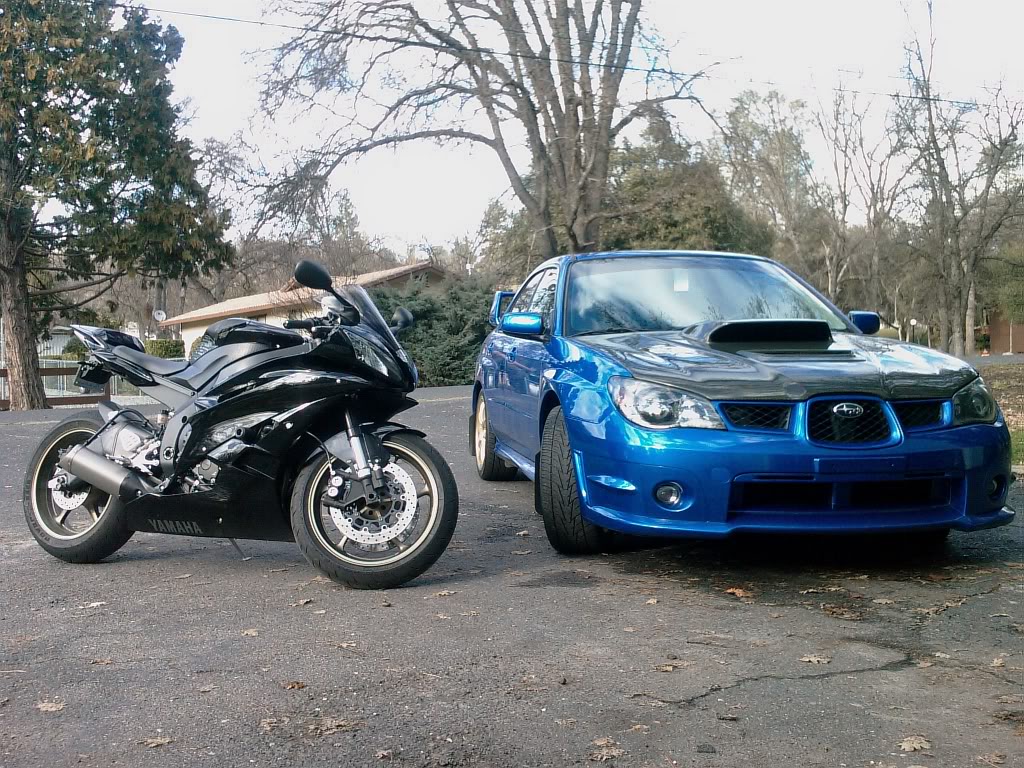
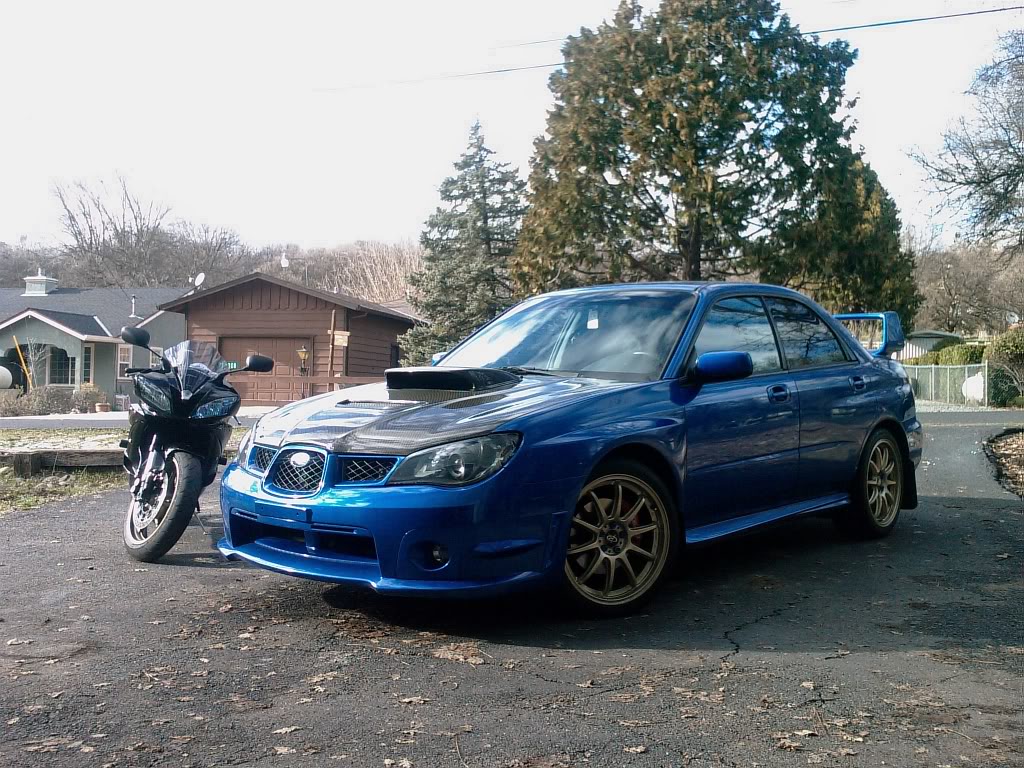
Here's a couple pics of my car and my new bike. One day before it dumped two feet of snow.

Take a guess what kind of camera I used.

And for the upper most picture, how would I be able to use Photoshop to make the picture in grayscale, but preserve the blue and gold on my car, and the bike's bronze wheels?
Name:  IMAG0226.jpg
Views: 82
Size:  255.9 KB
Name:  IMAG0227.jpg
Views: 87
Size:  228.3 KB
Old Feb 13, 2009 | 09:28 PM
  #2  
Rickdrizzle's Avatar
Registered User
 
Joined: Nov 2008
Posts: 282
From: California
Car Info: 2001 2.5rs
I'd also like to know how to make it gray yet preserve the color.
Old Feb 13, 2009 | 09:30 PM
  #3  
VRT MBasile's Avatar
VIP Member
iTrader: (17)
 
Joined: May 2005
Posts: 22,776
From: Sunnyvale, CA
Car Info: '13 BRZ Limited / '02 WRX
The technique is called "selective coloring." I'm not really able to describe how to do it though, there should be some tutorials online though.
Old Feb 14, 2009 | 06:58 AM
  #4  
Woodward's Avatar
banned
iTrader: (7)
 
Joined: Apr 2006
Posts: 1,864
From: Delhi, CA
Car Info: 2006 Subaru Impreza WRX TR
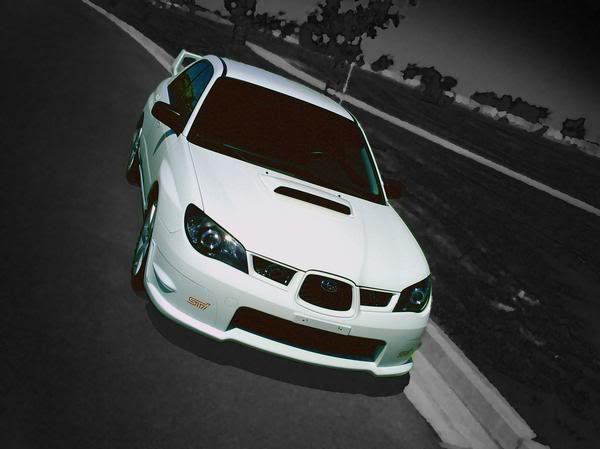
So something like this? Minus the background art effect.

Name:  l_27124dba7d8b54b645de179ef91ead4b.jpg
Views: 85
Size:  28.0 KB
Old Feb 14, 2009 | 07:37 AM
  #5  
wrx1020's Avatar
Registered User
iTrader: (1)
 
Joined: Mar 2006
Posts: 78
From: san leandro,ca
Car Info: 08 evo

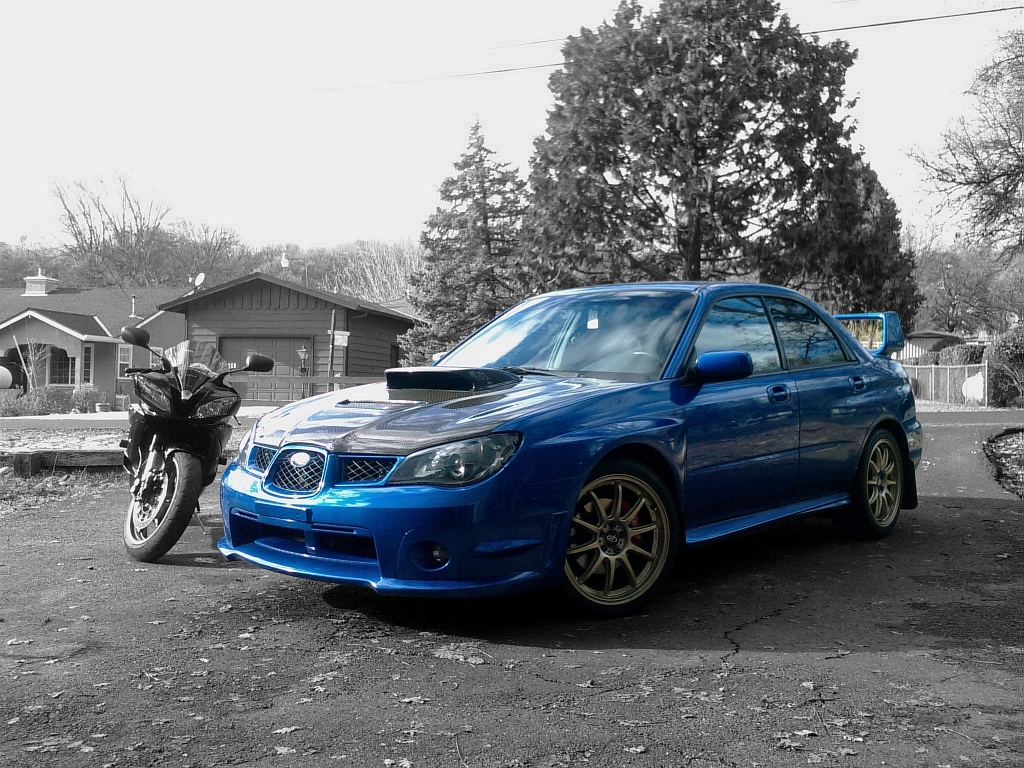
this good?
i use the lasso tool i thinks thats whats its called in PS im using gimp2 right now. im to lazy to put PS on my comp lol. If your using gimp2 its the free select tool. i just zoom a bit and out line the object. Yes its tedious but its the only way I know how to do it. Then after on PS I believe there is a b&w function if not i just turn the saturation down.
EDIT: Hey ummmm just dont look inside the wing area.......i forgot lol

Last edited by wrx1020; Feb 14, 2009 at 07:42 AM.
Old Feb 14, 2009 | 05:32 PM
  #6  
Woodward's Avatar
banned
iTrader: (7)
 
Joined: Apr 2006
Posts: 1,864
From: Delhi, CA
Car Info: 2006 Subaru Impreza WRX TR
There ya go. I used PS CS2 I believe to do mine, but sounds right.

Ya, get that wing area. lol
Old Feb 15, 2009 | 08:28 AM
  #7  
ethernectar's Avatar
Registered User
 
Joined: Jul 2008
Posts: 267
From: Central Cal
Car Info: Was 08 Outback XT, Now 06 Sport Edition 4Runner
Don't bother with the lasso tool, explore the "Quick Mask" or "Layer Mask" tools. Much more control.
Old Feb 15, 2009 | 08:30 AM
  #8  
soobedup's Avatar
Registered User
iTrader: (5)
 
Joined: Jan 2009
Posts: 144
From: Milpitas, CA
Car Info: WRX wagon 2006
^^i agree stick with quick mask..much cleaner on the edges of the item.
Related Topics
Thread
Thread Starter
Forum
Replies
Last Post
chimchimm5
Bay Area
80
May 21, 2012 06:07 PM
lostUNCERTAIN
Hawaii
5
May 2, 2007 12:01 AM
STiNightFall
Hawaii
25
Mar 1, 2006 08:17 AM


All times are GMT -7. The time now is 10:06 AM.